
If your week tends to run away from you, appointments forgotten, tasks scattered, and no clear picture of what’s actually due, the right app can quietly fix most of that. You don’t need an expensive system or a complicated setup. A handful of well-made free apps to plan your week can hold your schedule, your tasks, and your notes in one trustworthy place, so you always know what’s next. Here are the best free options, and what each one is genuinely good at.
One idea to keep in mind as you read: the best app isn’t the one with the most features, it’s the one you’ll actually open every day. So as you go through the list, look for the tool that fits how you already think, not the one that looks most impressive.
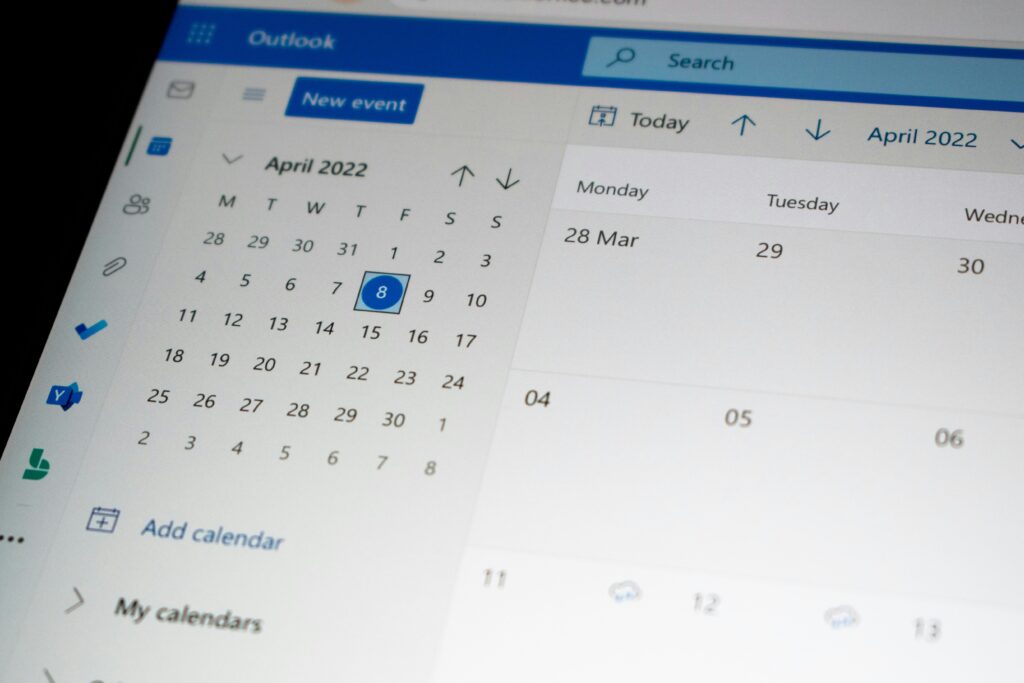
1. Google Calendar, for your schedule
If you only adopt one tool, make it a calendar, and Google Calendar is the easiest place to start. It’s free, works on every device, and syncs instantly, so your schedule is always with you.
Put every time-bound commitment on it: appointments, deadlines, birthdays, even reminders to start a task. The color-coding and simple week view make it easy to see your week at a glance, which is exactly what “staying on track” means in practice. Because it syncs across your phone and computer, you never have to wonder where your schedule lives. A useful trick is to add not just events but also blocks of time for the tasks you intend to do, that way your calendar shows a realistic picture of your day, not just your meetings.
2. Todoist, for your tasks
A calendar handles when; a task app handles what. Todoist is one of the cleanest and most reliable free task managers available, and it’s a favorite for good reason.
You can capture tasks in seconds, organize them into projects, set due dates, and see everything due today in one focused list. Its simplicity is the point: it’s powerful enough to hold your whole life but simple enough that you’ll actually keep using it. If you tend to let tasks pile up in your head, this is the app that gets them out and into a system you can trust. A small habit makes it shine: whenever a task pops into your mind, add it immediately instead of trying to remember it, and let the app carry the mental load for you.
3. Notion, for everything in one place
If you’d rather have your notes, tasks, plans, and trackers living together, Notion is a flexible free option that can be whatever you need. Think of it as a blank workspace you shape around your own way of planning.
The trade-off is that its flexibility means a slightly higher setup effort, you build your own pages rather than following a fixed format. But for people who like a single home for everything, it’s hard to beat. Many users start from a ready-made template and adjust it, which skips most of the setup work. If you’re exploring all-in-one tools like this, our roundup of the best apps to organize your life covers more options worth comparing.
4. Google Keep, for quick notes and ideas
Not everything needs a full task manager. Sometimes you just need to jot something down fast before it’s forgotten, a grocery item, an idea, a quick reminder. Google Keep is built exactly for that.
It’s fast, simple, and syncs everywhere, with color-coded notes and checklists you can create in a second. It works beautifully alongside a calendar and task app: Keep catches the quick thoughts, while the others handle scheduling and structured tasks. For a lot of people, this simple capture tool is the missing piece that stops small things from slipping away.
5. TickTick, for planning and habits together
TickTick is a strong all-rounder that blends a task list, a calendar view, and a habit tracker in one free app. If you want your to-dos and your routines in the same place, it’s a natural fit.
The habit-tracking side is what sets it apart: alongside planning your week, you can track daily habits like exercise or reading and watch your streaks build. That combination makes it especially good for anyone trying to be more organized and more consistent at the same time. Building better routines is the other half of staying on track, something we cover in our guide on organizing your entire life in one week.
6. Trello, for visual planners
Some people think better in lists; others think in pictures. If you’re the visual type, Trello lets you plan your week as boards and cards you can drag between columns, a simple “to do, doing, done” layout that many people find instantly intuitive.
It’s especially handy for planning projects or juggling several things at once, since you can see everything move across the board. The free version is generous enough for personal weekly planning, and the visual format keeps your progress obvious at a glance. Watching a card slide from “doing” to “done” gives a small sense of momentum that a plain list sometimes lacks, which is part of why visual planners find it so motivating.
How to Choose the Right One for You
You don’t need all six, in fact, using too many defeats the purpose. Here’s a simple way to pick:
Start with a calendar (Google Calendar) as your foundation, since managing time is the core of staying on track. Then add one task app depending on how you think: Todoist if you want clean and simple, TickTick if you also want habits, Notion if you want everything in one flexible space, or Trello if you’re visual. Finally, keep a quick-capture tool like Google Keep for the small stuff. That’s it, one calendar, one task app, one notes app.
This mirrors a proven productivity principle called Getting Things Done: get everything out of your head and into a trusted system, then review it regularly. The apps are just the system; the habit of using them is what actually keeps you on track. If you want more tools beyond planning, our list of powerful free AI tools for daily life is a good next stop.
Final Word
The best free app to plan your week is simply the one you’ll open every day. Don’t get lost comparing features, pick a calendar, add one task app that matches how you think, and keep a notes app for quick capture. Set them up once, spend five minutes each week reviewing what’s ahead, and let the tools do the remembering for you. A scattered week isn’t a discipline problem; it’s usually just a missing system. These free apps give you that system, so your attention is free for the things that actually matter.
App features and free plans change over time, so it’s worth checking each app’s current options before you commit.