
There are thousands of productivity and organization apps available. Most of them will waste your time.
The paradox of productivity apps is that evaluating, installing, learning, and maintaining them consumes the time they are supposed to save. Many people spend more time managing their productivity system than doing the work the system is meant to support.
This article cuts through the noise. These are not the most feature-rich apps or the most popular apps — they are the apps that reliably produce genuine improvements in how organized and productive people feel, tested against the most common organizational challenges most people actually face.
The Right Approach to Productivity Apps
Before the recommendations, a principle: no app solves an organizational problem. Apps provide structure. You provide the discipline and the consistent use. An app that is not opened daily is not useful regardless of its features.
The best productivity system is the simplest one you will actually maintain. A basic notes app used consistently beats a sophisticated project management tool used sporadically. Start with the minimum number of apps required to address your specific organizational challenges — and add only when a genuine need arises that your current system cannot meet.
Category 1 — Task Management
For most people, task management is the highest-priority organizational need. The ability to capture, organize, and track what needs to be done — and to trust that nothing important will fall through the cracks — is the foundation of personal productivity.
Todoist is the best balance of simplicity and power for most users. Natural language input — type “call Ahmed tomorrow at 3pm” and it creates a task with the right date and time automatically — makes capturing tasks fast enough to use consistently. The priority system, project organization, and recurring task features cover virtually all personal and professional task management needs. The free version is sufficient for most users.
Microsoft To Do is an excellent free alternative for users already in the Microsoft ecosystem. Its integration with Outlook and Teams makes it particularly valuable for professional use. The “My Day” feature, which prompts you to deliberately select the tasks you want to focus on each morning, is one of the most practically useful features in any task management app.
Notion works exceptionally well for people who want to combine task management with note-taking, knowledge organization, and project management in a single tool. It has a steeper learning curve than dedicated task managers but offers unmatched flexibility for complex organizational needs.
AI tools like ChatGPT can work alongside your task management system to dramatically reduce the time spent on routine work — read our guide on how to use ChatGPT to save 2 hours every day for the complete workflow.
Category 2 — Note-Taking and Knowledge Management
The ability to capture, organize, and retrieve information efficiently — from meeting notes to article summaries to creative ideas — is one of the most valuable personal productivity capabilities.
Notion is the most powerful and flexible note-taking and knowledge management tool available. Its database functionality allows you to organize notes in multiple ways simultaneously — by topic, date, project, type — and the ability to link notes to tasks, projects, and databases makes it a genuine second brain for people who invest time in setting it up.
Apple Notes is an underrated option for iPhone and Mac users. Its simplicity, speed, and deep device integration make it the fastest note capture option available on Apple devices. For straightforward note-taking without organizational complexity, it requires no setup and works reliably across devices.
Obsidian takes a different approach — storing notes as plain text files on your device with powerful linking between notes. It is the preferred tool for researchers, writers, and knowledge workers who build large personal knowledge bases and want their notes to be fully portable and privately stored.
Category 3 — Calendar and Time Management
Google Calendar remains the gold standard for calendar management for most users — free, reliable, available across all devices, shareable, and integrates with virtually every other productivity tool. The key to making any calendar effective is using it to block time for important work rather than only recording appointments. Time blocking — scheduling specific tasks into specific calendar slots — transforms a calendar from a passive record of commitments into an active planning tool.
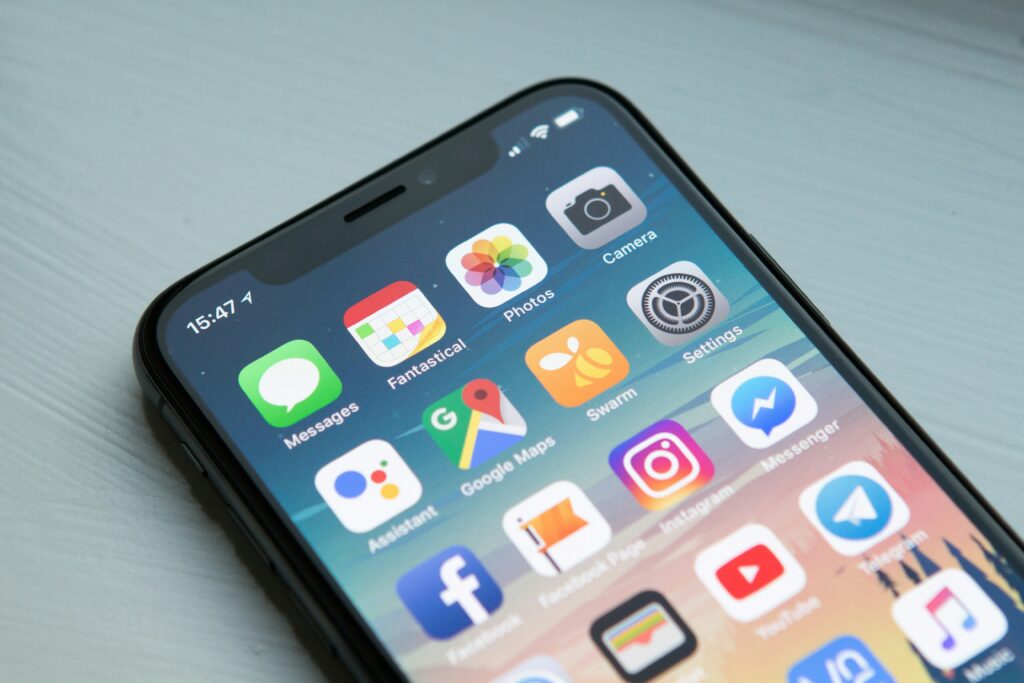
Fantastical is the best calendar app for Apple device users who want a superior user interface and natural language input. Its integration of calendar and task management in a single view is genuinely useful for people who want to see their commitments and to-dos together.
Category 4 — Focus and Deep Work
The most underappreciated productivity challenge is not organization — it is focus. Most people’s work environments are saturated with notifications, interruptions, and the structural temptation to multitask. Apps that support sustained focused work address the most common bottleneck in knowledge work productivity.
Forest is a focus app with a distinctive approach: you plant a virtual tree when starting a focus session, and it dies if you leave the app to check social media or browse the internet. The gamification is simple but surprisingly effective — most people find they do not want to kill their tree. Forest also plants real trees through a partnership with tree-planting organizations.
Freedom is the most powerful tool for blocking distracting websites and apps across all your devices simultaneously — including desktop computers where other blockers cannot reach. Scheduled blocking sessions ensure you cannot undo your commitment to focused work in a moment of weakness.
Category 5 — Finance Management
YNAB (You Need A Budget) is the most effective personal finance app available for people who struggle with budgeting and want to improve their financial organization. Its approach — giving every riyal a job before you spend it — is more behaviorally effective than expense-tracking apps that show you where money went after it has already gone. The subscription cost is typically recovered many times over in reduced unnecessary spending within the first month.
For simpler expense tracking without the full budgeting framework, many Gulf banks have strong built-in tracking features in their mobile banking apps. Check your bank’s app first — you may already have adequate expense visibility without a third-party tool.
Category 6 — Health and Wellbeing
Sleep Cycle tracks your sleep patterns and wakes you during the lightest sleep phase within your chosen alarm window — producing noticeably better morning energy than a fixed alarm that may interrupt deep sleep. For anyone interested in improving their sleep quality, the data it provides about your sleep patterns is both interesting and actionable.
Headspace and Calm are the leading meditation and mindfulness apps. Both offer guided sessions ranging from three to thirty minutes, making meditation accessible for beginners. Headspace has a slightly better structure for complete beginners. Calm has more variety and a stronger sleep content library. Both have free tiers sufficient to evaluate which approach suits you.
Building a System That Works
The most effective personal organization system uses the minimum number of apps required to cover your actual organizational needs — typically one task manager, one note-taking tool, and a calendar. Everything else should be added only when a specific unmet need makes it worthwhile.
Set up each app properly when you first use it. A poorly configured task manager with hundreds of uncategorized tasks becomes an organizational burden rather than a tool. Spend thirty minutes establishing a clear organizational structure before beginning to use it regularly.
Review your system monthly. Remove apps you have not used. Simplify structures that have become unwieldy. The goal is a system that feels lightweight and supportive — not a system that itself requires management.
The best productivity apps work even more powerfully when combined with AI tools — read our guide on 10 surprisingly powerful free AI tools for your daily life to complete your productivity stack.
The Recommended Starter Stack
Rather than overwhelming you with choices, here is the minimum effective combination for most people — a starter stack that covers the core organizational needs without unnecessary complexity:
For task management: Todoist free tier. Set up three projects — Work, Personal, and Someday. Capture every task the moment it occurs to you. Review and prioritize every morning.
For notes and knowledge: Apple Notes if you are on iPhone, or Notion if you want more organizational power. Start with a simple structure — one notebook per major area of your life — and add complexity only when you genuinely need it.
For calendar: Google Calendar. Use it for every commitment and time-block your three most important tasks each week as calendar appointments rather than to-do items.
For focus: Forest app for your phone. Use it for every work session of thirty minutes or more. The commitment to not killing your tree is surprisingly effective.
For finance: your bank’s built-in app first. If it does not show you spending categories and monthly totals, add YNAB for a more structured budgeting approach.
This five-app stack covers task management, knowledge capture, time management, focus protection, and financial awareness — the five organizational foundations that everything else builds on.
Install them in this order. Use each one for two weeks before deciding whether to add anything else. Simplicity maintained is worth more than sophistication abandoned.
One Last Thing
The best productivity app is the one you actually use. No amount of features, flexibility, or design quality matters if the app sits unused on your phone’s second screen.
Choose one app from this list that addresses your most pressing organizational need. Use it consistently for thirty days before evaluating whether it is working. Only add another app when a genuine gap in your system makes a second tool necessary.
Organization is not a destination — it is a practice. The tools support the practice, but the practice is yours.